
Projects and uploading statements
Create a project, upload statements, follow them through processing, clear duplicates, and organize, archive, or delete projects.
A project is the container for one matter. It holds one client's financial records, the statements you upload, and everything CounselPro pulls out of them. You work one matter per project, so a divorce, a bankruptcy estate, and a fraud investigation each get their own.
Everything else in CounselPro reads from the project. The transaction ledger, reconciliation, insights, the portfolio view, and Daystrom all work off the statements sitting in that one project. So the first job in any matter is to get the right statements into the right project.
The path a project takes
Every project follows the same short arc:
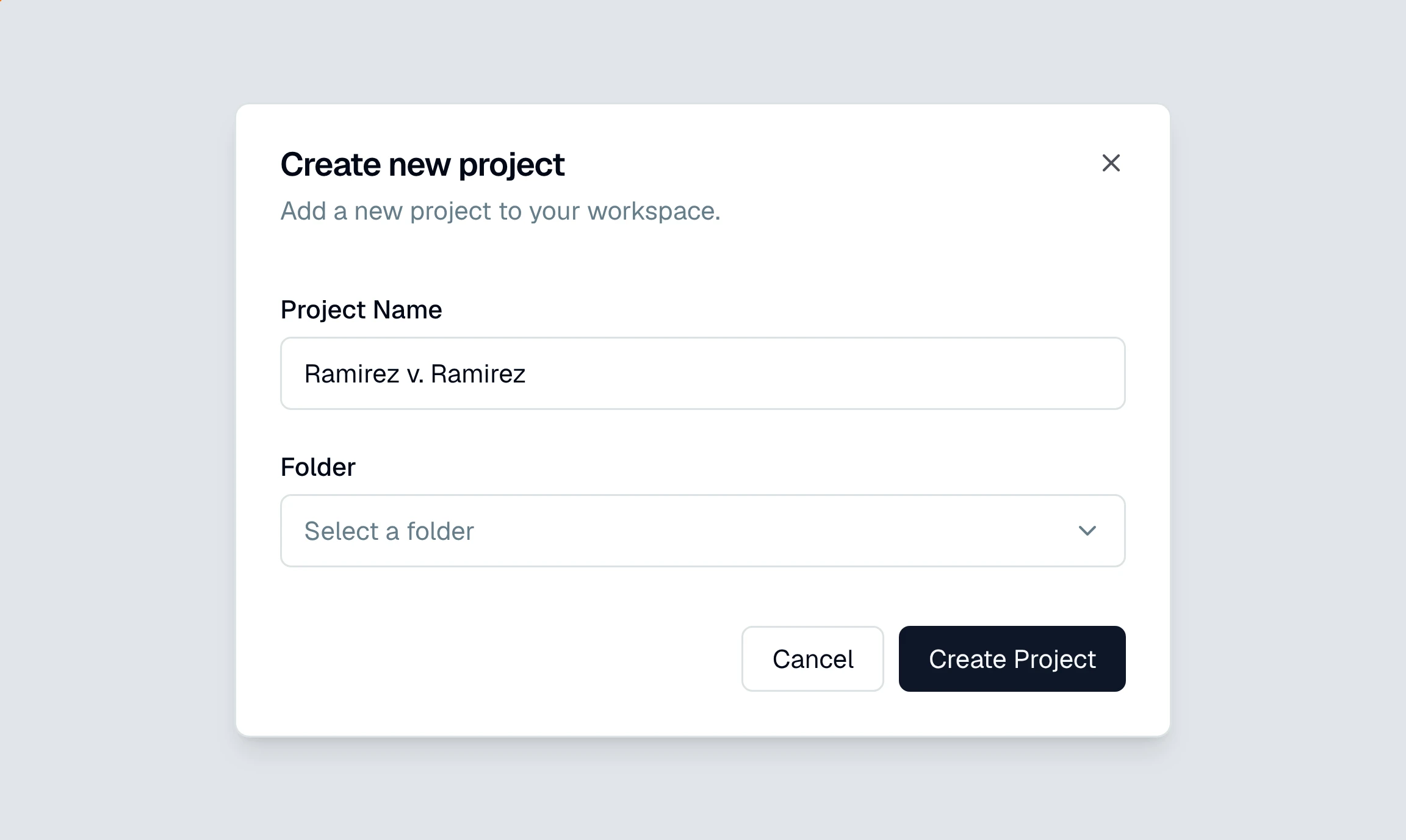
Create the project and name it for the matter. See create your first project.
Upload the statements as PDFs, bank, credit card, or brokerage. See upload your first statements.
Let CounselPro process them. It reads each PDF, splits it by account and month, and pulls out every transaction. Follow along by status.
Review the results. Once statements finish, the project's tabs fill in and you can check coverage, work the ledger, and run your analysis.
Keeping projects organized
As your caseload grows, group projects into folders on the Projects list, for example by practice area, attorney, or year. You can create, rename, and delete folders as your work changes. When a matter closes, archive the project to take it off the list without deleting anything.
What if a tab is missing?
A new project shows a setup screen until its first statement finishes. After that, some tabs appear only when the project has the data behind them, the Checks tab when CounselPro finds check images, the Portfolio tab when a brokerage statement produces holdings. See why a tab is missing on my project.