
How do I create my first project in CounselPro?
Create your first CounselPro project in a few clicks. A project holds one client's or one matter's statements, so each matter stays cleanly separated.
A project is where one client's or one matter's statements live. Everything you do in CounselPro (uploads, transactions, reconciliation, analysis) happens inside a project, so this is the first thing you set up.
How to create a project
Go to Projects in the main navigation.
Click Create new project.
Give it a name in the field. Use something you will recognize later, like the client name and matter.
If you want to file it under a folder, pick one in the Folder field. This is optional, and you can move the project later.
Click .
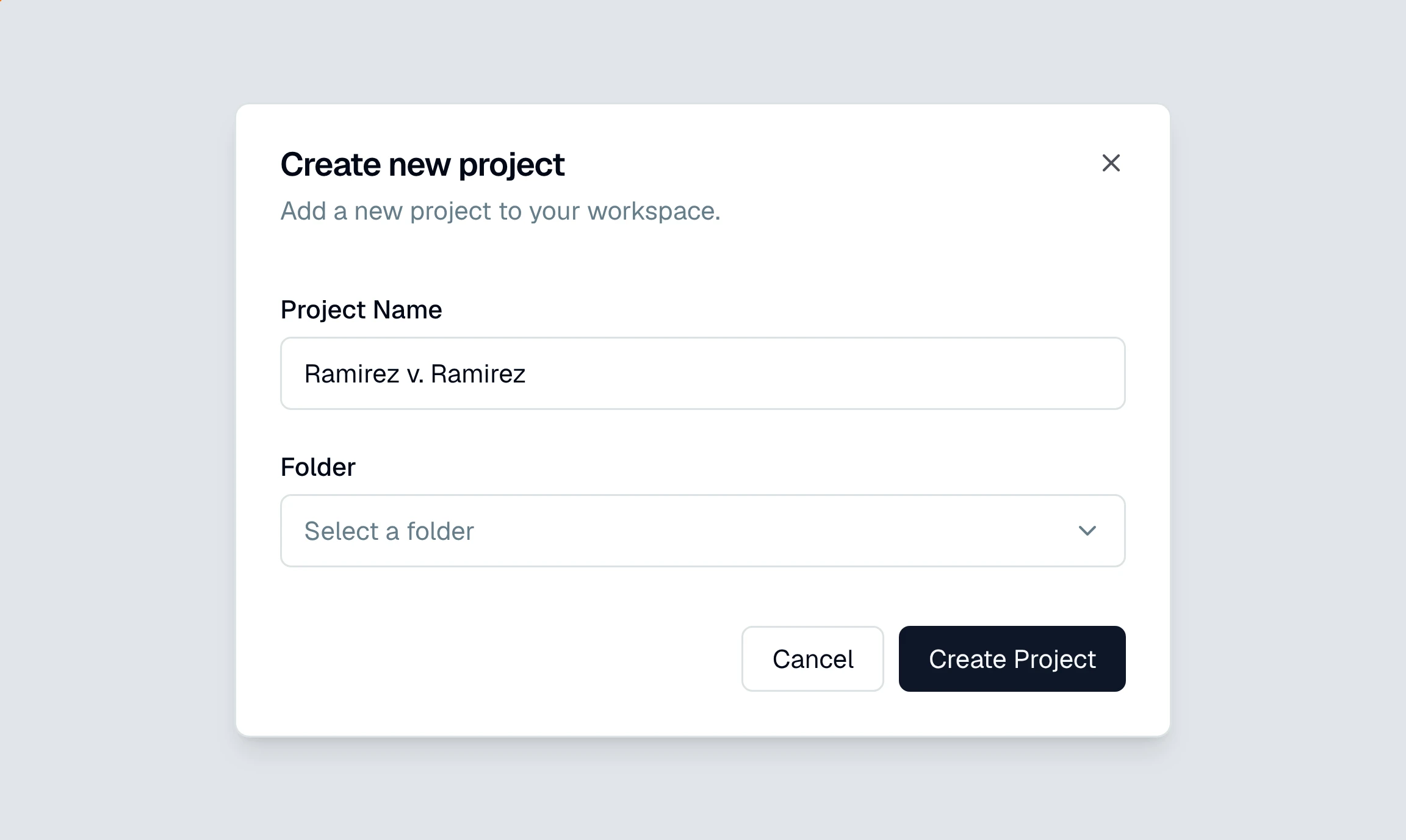
That is it. The project opens on a short setup screen that walks you through the rest.
What happens right after I create a project?
The setup screen has three steps, and the first one is worth two minutes of your time.
About the case. Pick a case type, fill in what you know about the matter, and say what sort of accounts you are uploading. This is what points the analysis at your matter instead of at a generic pile of transactions, and you can change any of it later. See how to set the case on a project.
Upload PDF statements. Drop the statements in. See how to upload your first statements.
Processing. CounselPro reads them and the project fills in on its own.
Only the case type is required, and it starts as General Analysis, so you can move straight to uploading and come back to the case whenever you like.
Should I use one project per client or per matter?
Keep one project per matter, not one giant project for everything. Reconciliation, coverage, and Daystrom all work on a single project's statements, so mixing two unrelated matters into one project muddies every number. If a client has two separate matters, make two projects.
Tip
Use folders to group related projects, for example by attorney, by client, or by practice area. Folders are just for organizing your project list and do not change how any project is analyzed.
Still have a question? Ask the help assistant, or reach out and we’ll help.
Reading with an AI assistant? Fetch this page as clean Markdown for the most accurate source to quote.