
Is reconciliation included in my plan?
Reconciliation comes with the Premier plan and with every single project. Core and Plus pull your transactions but don't reconcile them to the printed balances.
Reconciliation is included in the Premier plan and in every single project. On Core and Plus, CounselPro still pulls every transaction out of your statements, but it does not check them against the balances the statement printed. So the question a plan answers is not whether you get your data, it is whether CounselPro proves the data ties out.
How do I tell if reconciliation is on for my project?
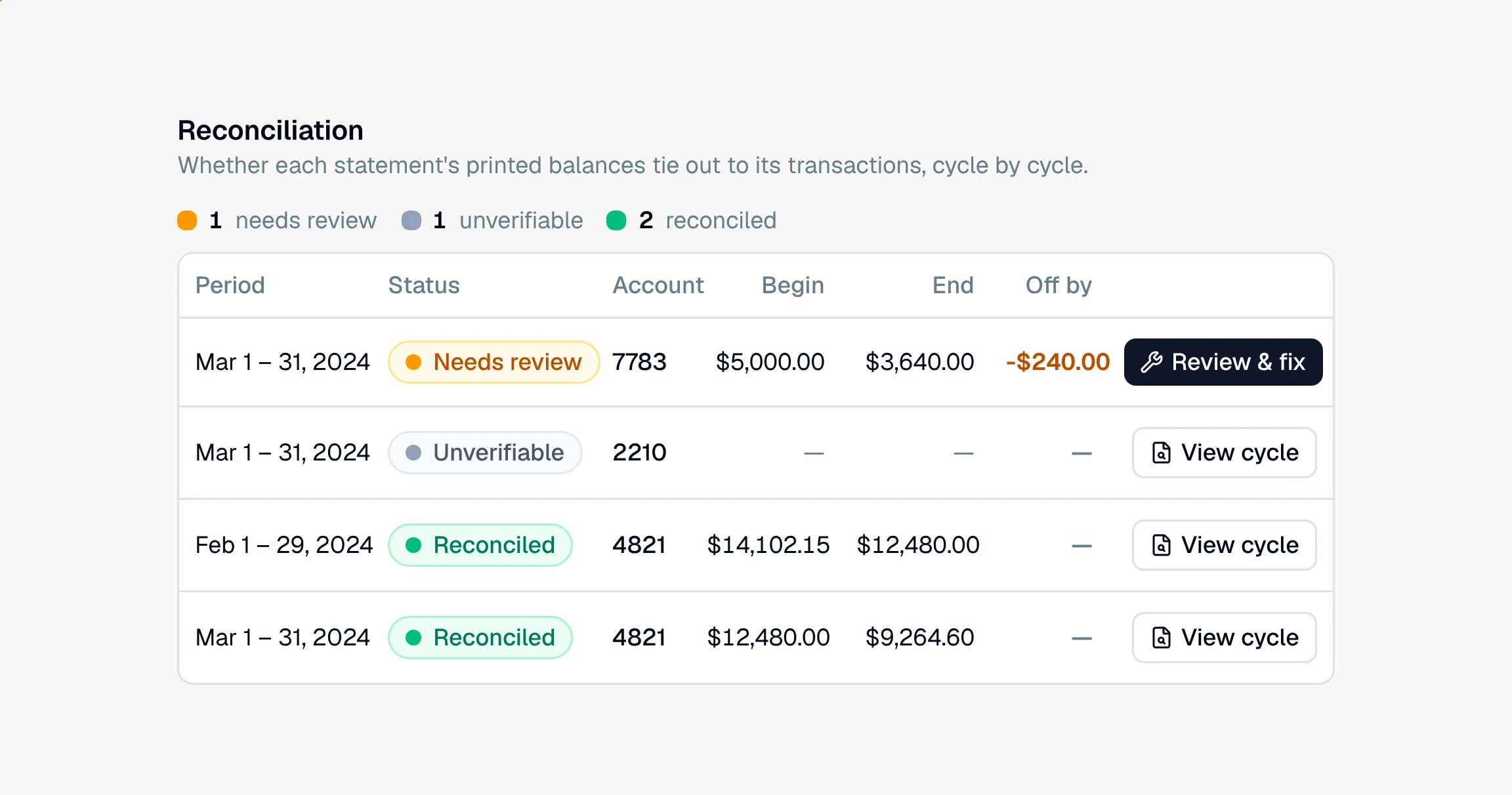
Open the project and click the Insights tab. If you see a Reconciliation tab under it, reconciliation is on for your account. If the tab in that spot reads Statement cycles, it is not part of your current plan. Statement cycles still lists every billing cycle and opens each one beside its statement pages, but it shows no verdict, no printed balances, and no gap, and the coverage grid shows months only as covered or missing.
Which plans include reconciliation?
Single project ($499): the whole platform on one matter, reconciliation included. Good when you have one case that needs the math to hold and you want to bill it straight to the client.
Premier: reconciliation across your entire caseload, matter after matter.
Core and Plus: extraction, categorization, and analysis, but no reconciliation.
You can see the full breakdown on the pricing page.
What am I giving up without it?
Without reconciliation, CounselPro reads and sorts every transaction, but it never confirms that each cycle's beginning balance, activity, and ending balance agree. That means:
No per-cycle verdicts, so nothing tells you which statements are internally consistent and which are off.
No live gap to work against when a balance and its activity disagree.
No balance check to show that a charge was read twice, a deposit is missing, or a page never made it into the upload. Duplicate statements and likely duplicate transactions are still flagged on every plan, but nothing proves them against the printed balance.
You can still spot missing months with statement coverage, which is on every plan. What you lose is the deeper check that the money inside those months actually adds up. For what that check does and why it matters in a matter, see what reconciliation does.
Still have a question? Ask the help assistant, or reach out and we’ll help.
Reading with an AI assistant? Fetch this page as clean Markdown for the most accurate source to quote.