
How do I change my firm's name?
Open Settings, and in the Firm Details card type a new name in Firm Name and click Save. Only an account owner can change it. It shows on your dashboard.
Your firm's name shows on your dashboard and on your billing correspondence. You can change it any time from Settings, as long as you are an account owner.
How to change your firm's name
Open Settings from the left sidebar.
Find the Firm Details card at the top.
Type the new name in the Firm Name field.
Click Save.
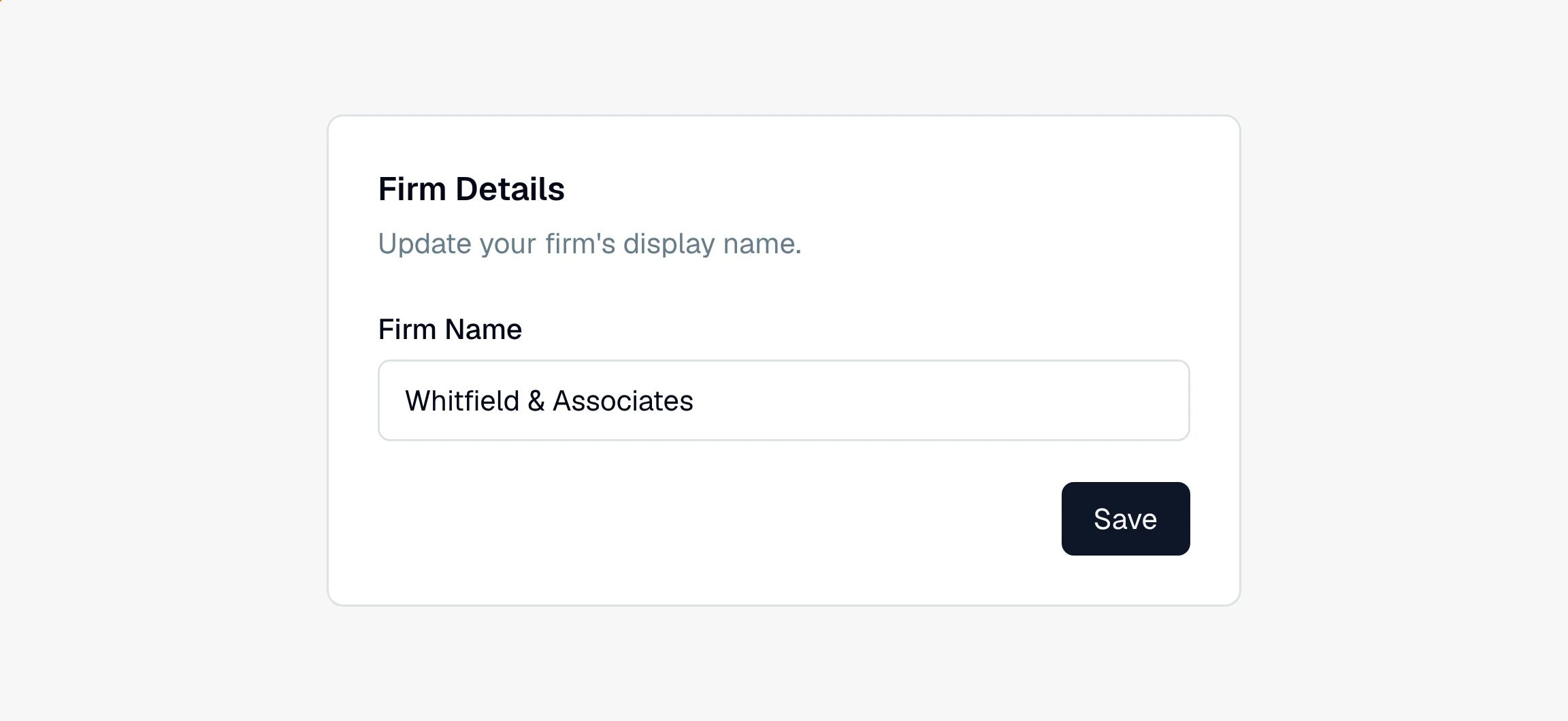
The name updates right away after you click . A firm name can be up to 100 characters.
Note
Only an account owner can edit the firm name. If you do not see the Firm Details card in Settings, you are a member rather than an owner, and an owner at your firm will need to make the change.
Still have a question? Ask the help assistant, or reach out and we’ll help.
Reading with an AI assistant? Fetch this page as clean Markdown for the most accurate source to quote.