
Why is my invitation link invalid or expired?
An invitation link stops working once it expires or has already been used. Ask whoever invited you to send a fresh one from their Pending Invitations.
If your invitation link brings up an error instead of the join screen, the link is no longer good. This is normal, and the fix is quick: get a new link.
What the two messages mean
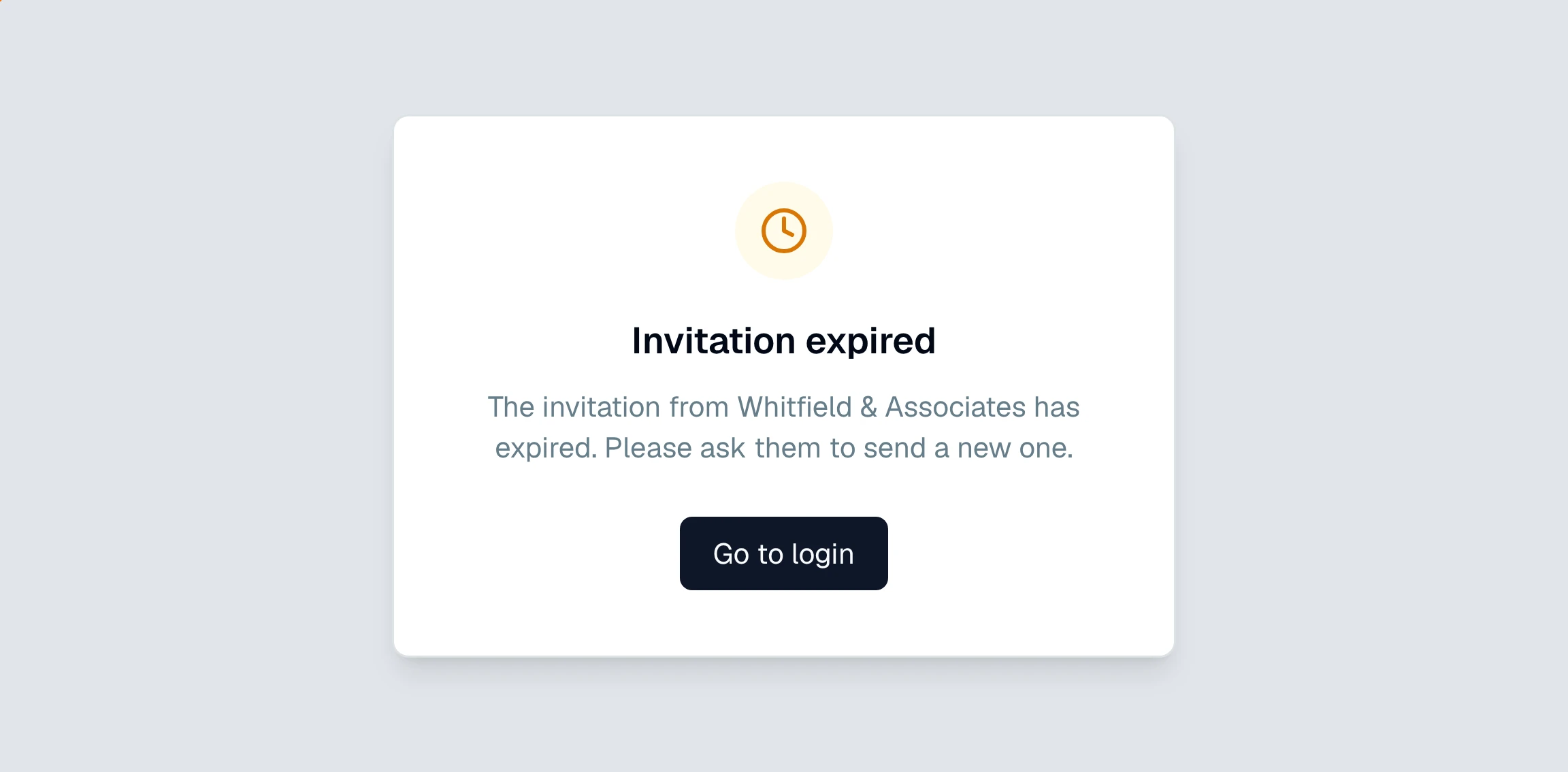
Invitation expired. The link was valid but its time ran out. Invitations do not last forever, so an old one stops working.
Invitation not found. The link is invalid or has already been used. You will see this if the invite was revoked, if you already accepted it, or if the link got cut off when it was copied.
How to fix it
Ask whoever invited you to send a fresh invitation. An account owner can do this in seconds:
They open Settings and check the Pending Invitations card.
They revoke the old invite if it is still listed, then invite you again.
You open the new link and sign in.
Make sure you are opening the most recent link they sent, and that the whole link came through without being cut off in an email or chat.
If the link works but tells you the email does not match, that is a different problem. See why does my invitation email not match.
Still have a question? Ask the help assistant, or reach out and we’ll help.
Reading with an AI assistant? Fetch this page as clean Markdown for the most accurate source to quote.