
CounselPro says my account was not found
Account not found" means no CounselPro account exists for the email you entered. Check for a typo or a different address, or make one if your firm hasn't.
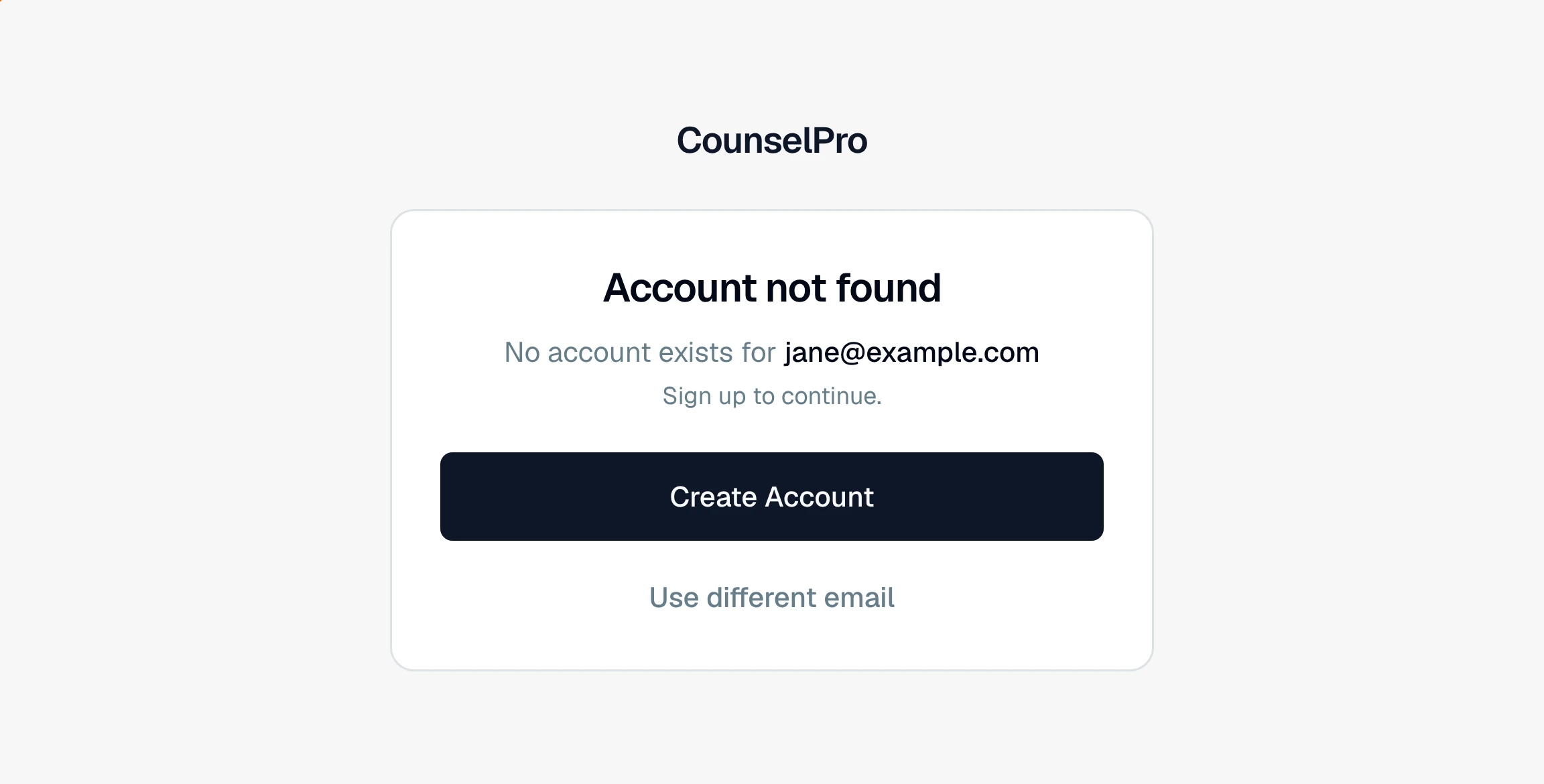
If login shows Account not found with "No account exists for [your email]," CounselPro has no account tied to the email you typed. Nothing is broken. The email just does not match an account.
What to check
Look for a typo. One wrong letter points at an address with no account. Click Use different email and re-enter it carefully.
Try your other work emails. If your firm signed up under a different address, or you were invited at one, use that exact email. The account is tied to the address it was created or invited with.
Confirm your firm has an account. If nobody at your firm has signed up yet, there is no account to log in to. Whoever sets it up creates the account first, then invites the rest of the team.
What to do next
If your firm is new to CounselPro, click Create Account on that screen to start one.
If you were invited by a colleague, use the link in your invitation email and sign up with the address it was sent to. Once your account exists, log in as usual.
CounselPro never asks for a password, so "Account not found" is never a wrong-password problem. It only means the email has no account. For more on that, see does CounselPro use a password?.
Note
This message is about the email address, not a password. Check the spelling and try any other work address you might have used before assuming you have no account.
Still have a question? Ask the help assistant, or reach out and we’ll help.
Reading with an AI assistant? Fetch this page as clean Markdown for the most accurate source to quote.